menu

You’re doing “everything right”… you’re on Pinterest, you’re posting, you’ve got your LTK/Amazon/ShopMy set up, and YET the affiliate income is barely trickling in. As a Pinterest strategist for over 8 years, my best guess is that you’re probably doing a few specific things that are accidentally squashing your results. Here are 7 common Pinterest affiliate marketing mistakes and exactly how to fix them to get your Pinterest affiliate strategy working for you.
This is the big one. If your Pins are linking directly to your LTK page, Amazon storefront or ShopMy profile, you’re skipping the most important step in the whole process.
Pinterest users are cold. They don’t know you. They found your Pin because they searched for something and you showed up (which is great!), but now you’re asking them to shop from a stranger with no context. Most of the time, they click away.
The fix: Send them to a blog post first. A blog post gives them value, answers whatever they were searching for and warms them up before they ever see your affiliate links. By the time they click through to your Amazon picks or LTK shop, you’ve already helped them. That’s a much easier sell.
The funnel looks like this: Pinterest → blog post with embedded affiliate links → sale. Not Pinterest → storefront → quick exit.
Bonus: your blog post is yours forever. If LTK changes its links or Amazon updates its storefront rules tomorrow, your blog post stays put and keeps sending traffic to wherever you need it to go.
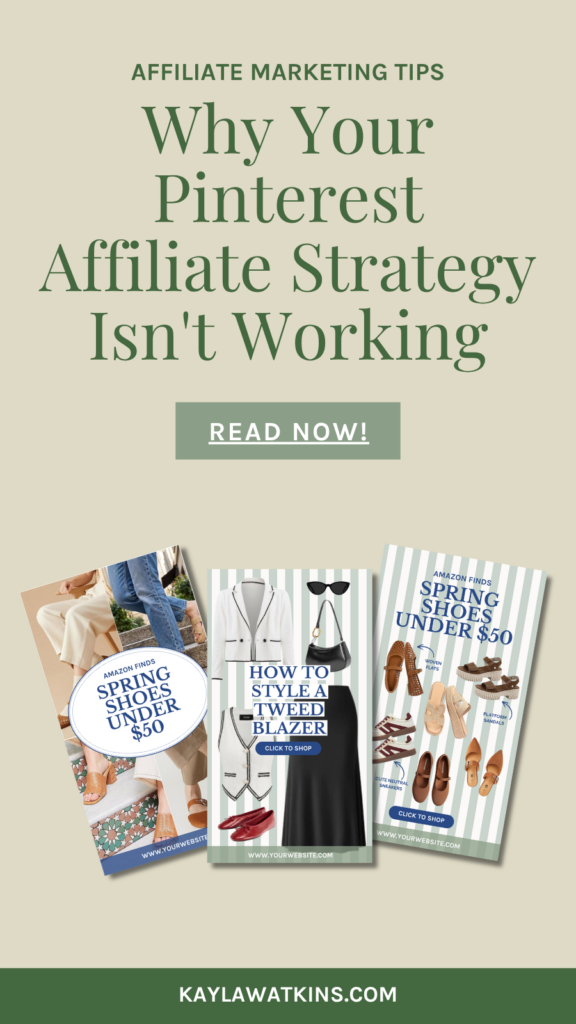
Pinterest actually reads the text in your images. So if your Pin graphic says something vague like “New Post” or just shows a pretty photo with no text overlay, Pinterest has a harder time figuring out who to show it to.
A few things to check on your Pin graphics:
The fix: Every Pin graphic should have a keyword-rich text overlay, a clear CTA and the right dimensions. If you’re starting from scratch on this, a good set of Canva templates makes this way less painful… which reminds me:
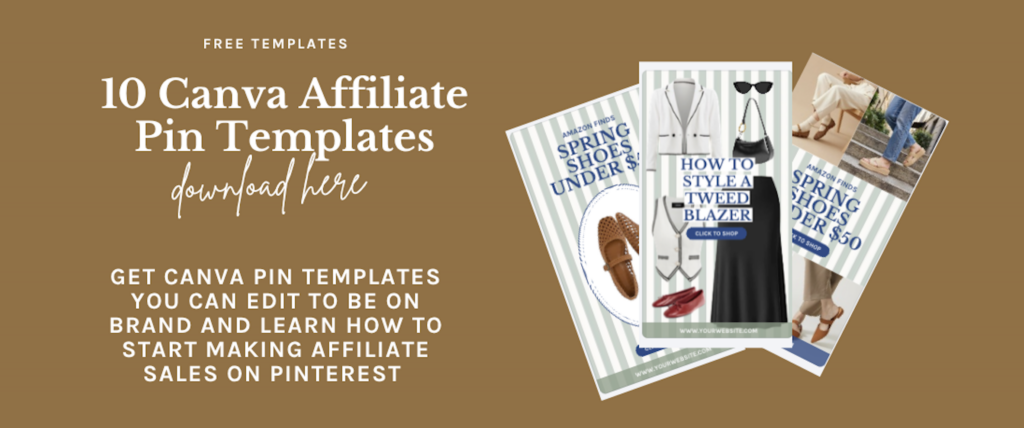
Get free affiliate Pinterest templates here that I made to help expedite the process for bloggers!
You uploaded your Pin, added a link, and moved on. We’ve all been there. But Pinterest is a search engine, and search engines run on keywords. If your title and description are blank or read more like conversational Instagram captions, Pinterest doesn’t know who to put your content in front of.
A weak description looks like: “Loving this look! Shop it here 🛍️ #over40fashion”
A strong description looks like: “Looking for cozy fall outfit ideas? These affordable fall wardrobe staples include light layers, oversized sweaters, and easy everyday looks you can shop right now through my Amazon storefront and LTK. Follow [brand name] for more light layering outfit ideas and affordable fall jackets.”
The fix: Write your titles and descriptions the way your audience searches and in a clear and descriptive tone. Think about what they’d type into the Pinterest search bar or what words would be great categories for the content to live in and answer that.
One more thing: leave out very niche brand names in your descriptions. “Zespa sneakers” is probably not what people are searching for. “Casual white sneakers for everyday outfits” casts a much wider net. That being said… don’t go too broad, and some brands work (i.e. “Adidas Sambas” is a common search). Use discernment and audience understanding here.
One blog post = one Pin. One Amazon idea list = one Pin. You made the thing, you Pinned it= done.
But here’s the thing: one piece of content can serve multiple search intents. Your “10 Fall Outfit Ideas” post could also be “What to Wear to a Fall Dinner Date,” “Casual Fall Looks for Work,” or “Affordable Fall Clothes on Amazon.” Those are different searches, different audiences and different opportunities to be found… all pointing to the same post.
The fix: Create 4-5 Pin variations per piece of content using different text overlays and keywords. You’re not creating new content… you’re just showing up in more searches with what you already have. This is exactly why having a set of ready-to-go templates is so useful. You’re not redesigning from scratch every time, just swapping in new text.
Here are the free ones I made!
The classic move: ignore Pinterest for three weeks, then post 40 Pins in one afternoon to make up for it. Totally understandable… but not how Pinterest likes to work.
Pinterest rewards accounts that show up regularly over accounts that post in big inconsistent bursts. Three to five Pins a day consistently will outperform 70 Pins in a single session every single time.
The fix: Batch-create your Pins (make a bunch at once) but schedule them out over time. Tailwind is a great tool for this. You can set up a posting schedule and load it up so Pinterest sees you as active and consistent without you having to manually post every day.
If you’re not tracking where your affiliate sales are coming from, you have no idea whether Pinterest is actually working for you. And if you don’t know what’s working, you can’t do more of it.
Most affiliate platforms let you create source-specific tracking IDs — Amazon Associates, LTK, and ShopMy all have versions of this. Setting up a Pinterest-specific tracking ID means you can see exactly how much of your commission is coming from your Pinterest traffic versus Instagram or Google.
The fix: Create a Pinterest tracking ID on your affiliate platforms and start using it in all your Pinterest-linked content. Then check your Pinterest Analytics monthly and focus on two numbers: outbound clicks (are people going to your links?) and saves (are people bookmarking your content to shop later?). Those two metrics tell you more than”monthly viewers” ever will.
This is a mindset thing more than a tactical thing, but it affects everything. Pinterest is not a social media platform. It’s a search engine. And those are two very different things.
On Instagram, you post and hope the algorithm shows it to people. On Pinterest, people are actively searching for exactly what you’re creating content about. That’s a completely different kind of traffic, and it requires a completely different strategy.
It also means Pinterest is a long game. A Pin you post today might not hit its stride for a few months, but when it does, it keeps going. The Pins driving the most traffic to your affiliate links right now might be ones you posted six months ago. That’s just not something Instagram can say.
The fix: Plan your Pinterest content 60-90 days ahead of seasons. Start Pinning fall content in July. Get your holiday gift guides up in September. Use the Pinterest Trends tool to see when specific keywords historically peak so your content is ready when people start searching for it.
If your Pinterest affiliate strategy isn’t converting, run through this checklist:
The good news about all of these mistakes is that none of them require starting over. You don’t need a new niche, a new platform or a massive Pinterest following. You just need to make some intentional adjustments to what you’re already doing.
Pinterest is genuinely one of the best platforms out there for driving consistent, long-term traffic to affiliate links… whether you’re on Amazon Associates, LTK, ShopMy, or a mix of all three. It just works differently than what most people expect, and once you understand that, everything starts to click.
To help you get started, I put together 10 free Canva Pin templates specifically designed for promoting affiliate links on Pinterest — grab them below and start putting these fixes into action today.
And if you want expert eyes on your full Pinterest strategy, book a free discovery call here and let’s figure out exactly what’s holding you back.